Why I Built a Homelab: Taking Back My Digital Life
Why I built a homelab to host my own services, learn how the technology works, and take more control of my digital life.
I built a homelab.
This has been a journey, to say the least.
It started on a Raspberry Pi 5 and eventually grew into a Dell Micro PC 7070. The Dell still isn’t particularly powerful by server standards, but it’s far more capable than the Raspberry Pi.
To be honest, I could probably still be running most of this on the Pi.
But that’s not really the point.
What Is a Homelab?
If you’re wondering what a homelab even is, my simple definition is this: it’s basically a server you run at home that other devices can access.
That explanation becomes more useful once you see what I’m actually doing with it.
For a long time I lived almost completely inside the Apple ecosystem. These days, I bounce back and forth between Apple and Linux, and my homelab has become the central access point for a surprising amount of my digital life.
There are two things I really like about it.
First, I can host many of these services myself instead of paying another monthly subscription.
Second—and increasingly more important to me—the data is mine.
I’m not uploading everything to another company simply because I need somewhere to keep it. I’m running the server, I’m maintaining the backups, and I decide where the data goes.
Here’s what I’m currently running.
The screenshots below use sample details in place of private information.
Joplin: My Notes
Joplin has essentially replaced Evernote and Apple Notes for me.
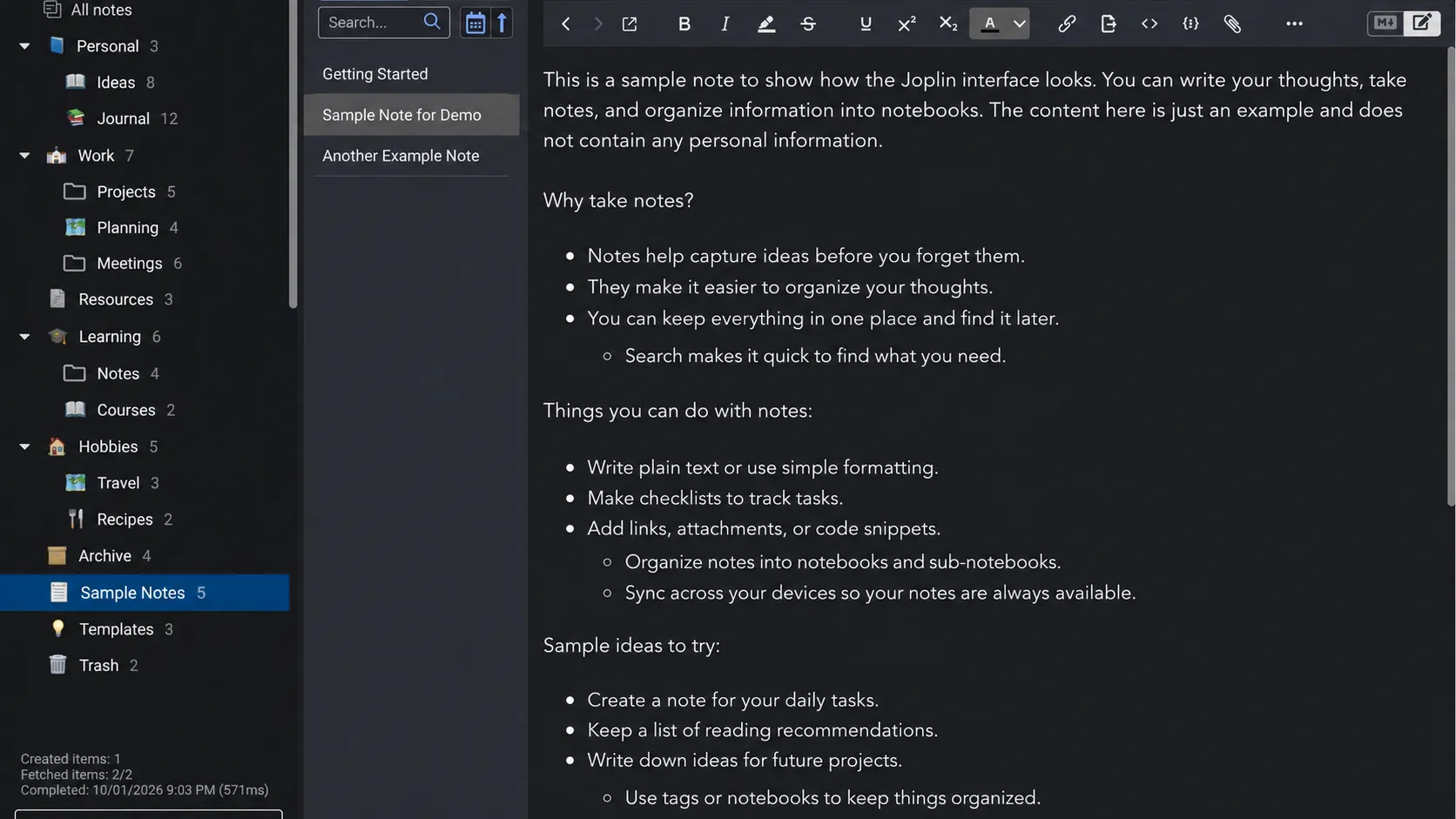
I now run my digital note-taking life almost completely through Joplin. I’ve found it very user-friendly, and for the way I use notes, it has been every bit as useful as Evernote ever was.
One of the things I especially like is Joplin’s use of Markdown.
Markdown is an extremely lightweight and portable way to write formatted text. It is easy to search, easy to move between systems, and isn’t dependent on some complicated proprietary document format.
I’m actually writing this blog post in Joplin.
That tells you how central it has become to my workflow.
Nextcloud: My Files
Nextcloud is probably easiest to explain as my self-hosted alternative to something like Google Drive.
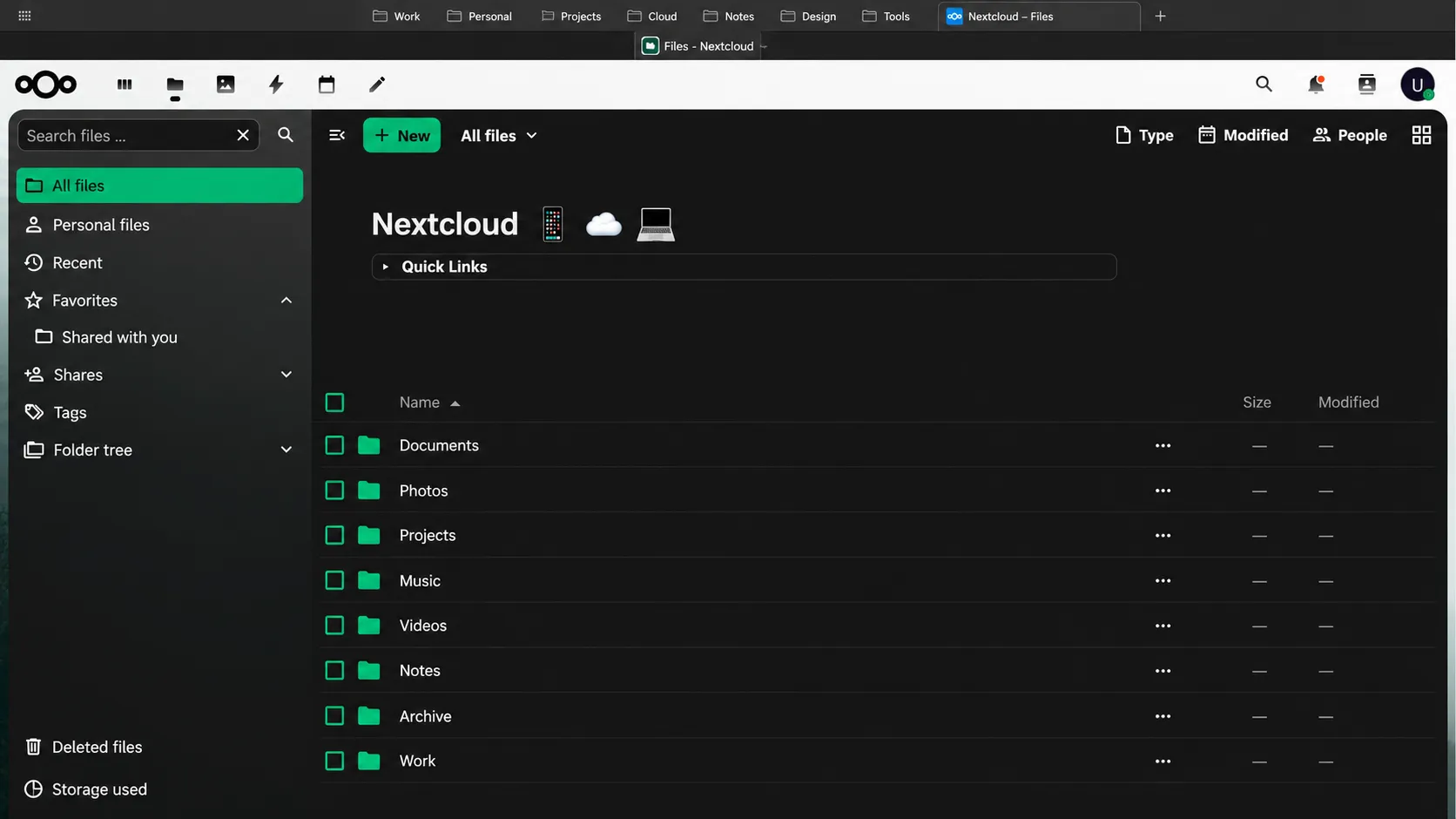
It gives me file storage and access across my devices, but it can do considerably more than that. I also run office tools through it for documents and spreadsheets, and I’ve used its Markdown capabilities as well.
If I weren’t already so deep into Joplin, I could probably manage a large portion of my notes inside Nextcloud too.
But the file storage alone has been fantastic.
At one point I literally gathered a bunch of old USB thumb drives from my nightstand and consolidated files I’ve kept since college into Nextcloud.
Files that had technically been “saved” for years suddenly became useful again because I could actually find them.
That’s one of the recurring benefits of this whole project: storage isn’t particularly valuable if you can’t find what you’ve stored.
Tailscale: The Connection Backbone
Tailscale is the connectivity backbone of the entire system.
It securely connects my devices so I can access my homelab whether I’m sitting at home or somewhere else.
My MacBook, phone, server, and other devices can essentially communicate as though they were on the same private network.
Of everything I’ve learned while building my homelab, Tailscale may also be one of the most useful technologies I’ve spent time understanding.
It makes the whole system feel less like “a computer sitting at my house” and more like an actual personal cloud.
Pi-hole: Network-Wide Blocking
Pi-hole provides network-level DNS filtering.
In practical terms, that means fewer ads, fewer trackers, and less unnecessary communication between devices on my network and outside services.
It isn’t magic. Pi-hole can’t block every advertisement, especially when an ad is delivered from the same infrastructure as the content itself.
But it can block a remarkable amount of unwanted traffic before it ever reaches a device.
It has also been fascinating to see just how often televisions, streaming devices, apps, and other seemingly idle devices attempt to communicate with outside servers.
Running Pi-hole has made the invisible part of my home network much more visible.
Navidrome: My Music Library
Navidrome is my personal music streaming server.
I downloaded the music I actually own—CDs I’ve collected and music I purchased through Apple over the years—and put it into my own library.
Now I can stream it from my server without needing a music subscription to access music I’ve already purchased.
I haven’t bought much through iTunes since probably 2018, but apparently I spent a significant number of Christmas gift cards in the 2000s buying music.
It’s all still there.
And now I can listen to it without it being locked inside somebody else’s ecosystem.
There is something strangely satisfying about that.
Paperless-ngx: My Document Archive
Paperless-ngx is one of those applications that made me wonder how I got along without it.
The basic idea is simple.
Take a document—a bill, letter, receipt, meeting agenda, statement, or something else you want to keep—and put it into Paperless.
Paperless can process the document, make the text searchable, categorize it, and turn what would normally become a box full of paper into a searchable digital archive.
This is one of the places where self-hosting became much more than a hobby for me.
It’s actually making my life easier.
Instead of thinking, I know I kept that somewhere, I have a system designed around finding it again.
Actual Budget: My Budget
Actual Budget is my newest addition, so I’m still learning it.
It’s an open-source budgeting application built around envelope budgeting, and it can import financial transactions to make keeping a budget much easier.
For years I’ve used spreadsheets for much of this.
I’m hoping Actual can eventually become the centralized home for our budgeting in the same way Joplin became the home for my notes and Nextcloud became the home for my files.
That’s becoming the pattern.
One place for notes.
One place for documents.
One place for music.
One place for finances.
But all of them running on infrastructure I control.
Proxmox and Portainer: What Runs Everything
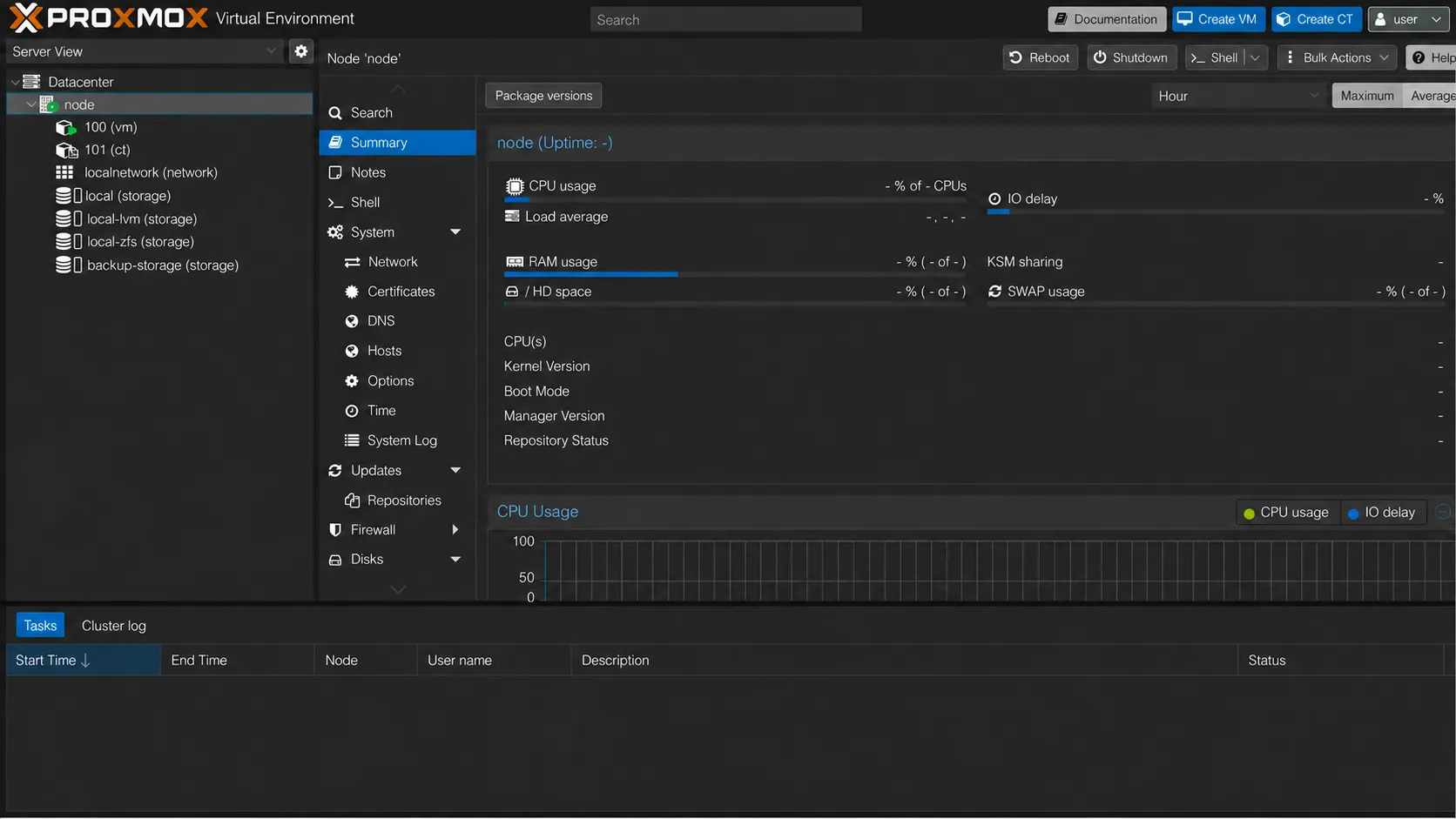
Underneath most of this is Proxmox Virtual Environment.
Proxmox is the virtualization platform running on my Dell Micro PC. It allows me to divide that one physical computer into separate virtual machines and containers that can perform different jobs.
Inside part of that environment I also use Portainer to manage Docker containers and applications.
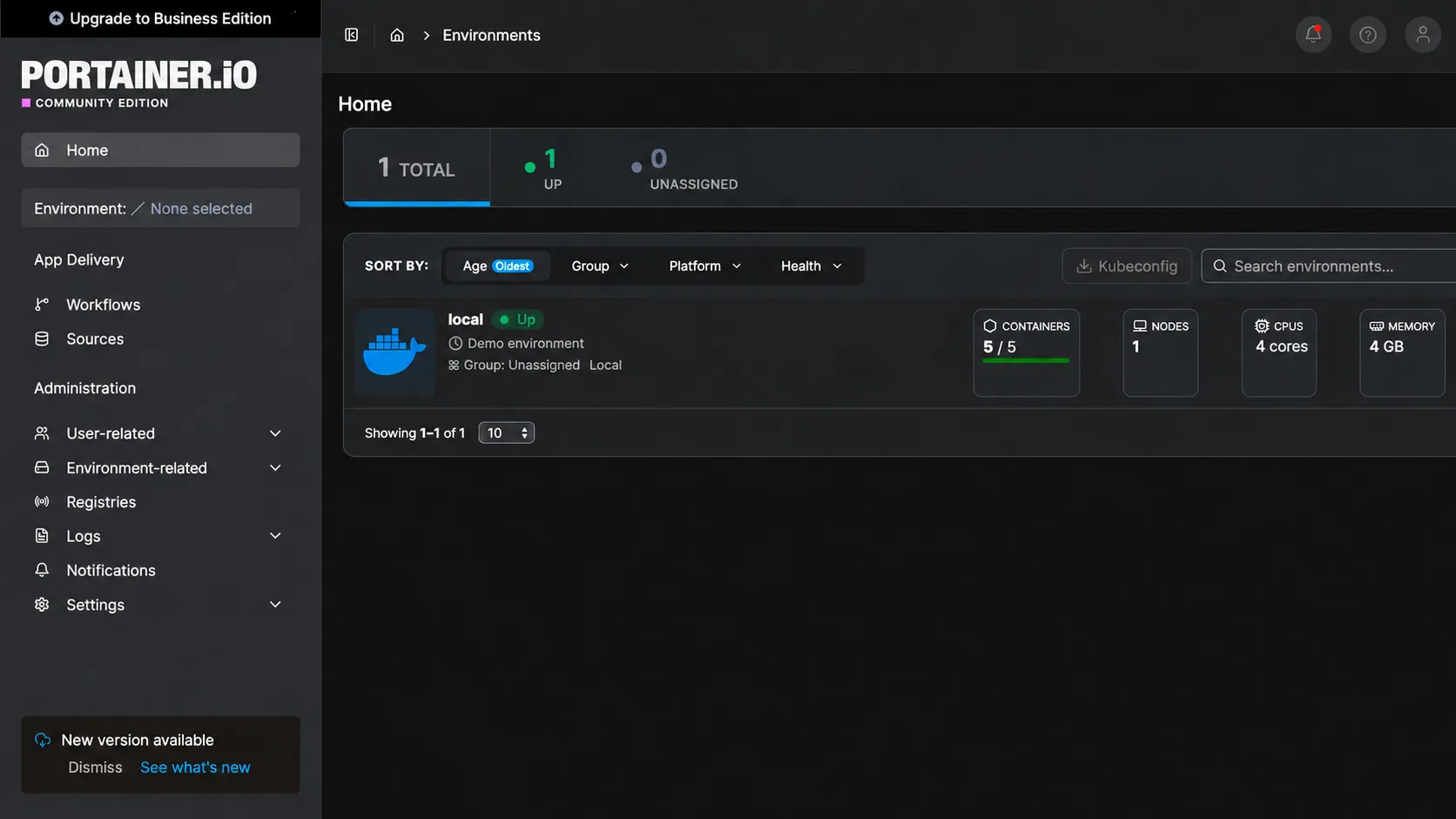
The physical server itself is nothing extraordinary.
It’s a Dell Micro PC with:
- 16 GB of DDR4 RAM
- a 1 TB NVMe drive
- a 2 TB 2.5-inch SSD used for internal backups
I also keep monthly backups offsite.
That’s it.
This isn’t a rack of enterprise servers humming away in my basement. It’s a tiny business-class computer that probably weighs a few pounds.
Yet it now hosts a significant portion of my digital life.
The Project Became More Important Than the Money
I started experimenting with this stuff in February 2022.
Looking at everything I’m running now, I realize I’ve gotten pretty deep into the homelab world—and I still feel like I’ve barely scratched the surface.
I also have to admit that without tools like ChatGPT, I probably wouldn’t have attempted much of this.
There have been a lot of command lines, configuration files, networking problems, Docker containers, broken updates, and moments where something worked yesterday and inexplicably didn’t work today.
But figuring those things out was actually part of why I wanted to do it.
Saving money wasn’t really the driving force.
The adventure of building it was.
And when I say “building,” I don’t mean physically assembling a computer. I mean learning how all the software pieces fit together.
I’ve had to gain at least a working understanding of Linux, Proxmox, Docker, Portainer, networking, DNS, backups, and Tailscale.
None of that knowledge existed for me before I started experimenting.
Now I have an actual server in my house doing useful work every day.
I Wanted One Place That Was Mine
The second reason I started all this was organization.
Over time, digital life gets spread everywhere.
A document is on one computer.
A note is in one app.
Pictures are somewhere else.
Old files are on thumb drives.
Music is attached to another service.
Something important is buried in an account you haven’t opened in five years.
I wanted a central hub.
One place for my notes.
One place for my files.
One place for my music.
One place for the documents I actually need to keep.
And somewhere along the way I realized there was another reason underneath all of that.
I wanted something that was mine.
That’s actually much the same reason I started this blog years ago.
I could put everything I write on Facebook.
But Facebook isn’t mine.
The same principle has gradually started shaping the rest of my digital life.
There is value in building things you own.
If they’re good, they’re good because you worked on them.
If they’re bad, well, you probably got what you worked for.
Either way, they’re yours.
Maybe This Is Why I Built a Homelab
I’ve always placed a high value on personal agency—the ability to learn something, build something, make decisions, accept responsibility for those decisions, and create things you actually own.
I think some of that is easily lost in a world where almost anything can be rented for another $9.99 a month.
Rent your music.
Rent your storage.
Rent your software.
Put your writing on somebody else’s platform.
Store your files on somebody else’s computer.
Let somebody else make the complicated parts disappear.
There are obviously times when that makes perfect sense. I still use plenty of services I don’t host myself.
But I’ve discovered that I enjoy understanding the complicated parts.
I enjoy knowing where my files actually live.
I enjoy fixing something when it breaks.
I enjoy taking a cheap little computer and turning it into something genuinely useful.
And I enjoy building something that belongs to me.
When I started writing this post, I thought I was writing about my homelab.
Apparently I was writing about why I built one.